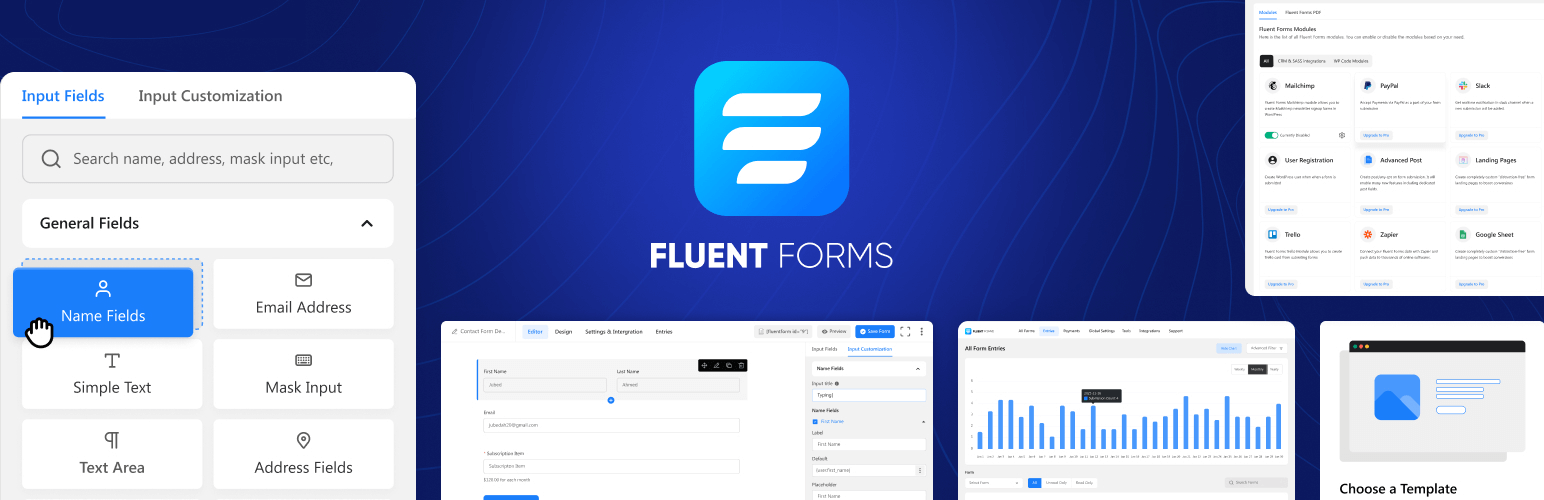
Fluent Forms Pro — Build Powerful Forms Without Code
Create smart, responsive forms in minutes — no coding required.
Fluent Forms Pro is the fastest, most intuitive WordPress form builder out there. Whether you’re collecting leads, running surveys, or taking payments, it delivers powerful features with zero friction.
This premium version unlocks advanced input fields, payment integrations, multi-step forms, conditional logic, marketing automation tools, and more — all wrapped in a smooth, drag-and-drop interface.
Why Choose Fluent Forms Pro?
Unlike bloated form plugins that slow you down, Fluent Forms is lightweight, lightning fast, and built for real users. With Plugin Stag, you get the full Pro version with no site limits, no subscriptions, and lifetime access.
What You Get:
- Fluent Forms Pro plugin (GPL licensed)
- Unlimited form submissions and entries
- Drag-and-drop form builder with real-time preview
- Conditional logic, multi-step forms, and file uploads
- Payment gateway support (PayPal, Stripe, Razorpay)
- CRM and email marketing integrations (MailerLite, ConvertKit, ActiveCampaign, etc.)
- Calculated fields and conversational forms
- PDF entry export, signature fields, and front-end editing
- Use on unlimited websites
- Updates included
- No license key activation required
How It Works
Download Fluent Forms Pro by joining Plugin Stag or making a one-time unlock payment. Install the plugin, start building your forms, and launch fully optimized forms in just a few clicks.
Frequently Asked Questions
Is this the full version of Fluent Forms Pro?
Yes — you get the complete Pro version, under a GPL license.
Can I use this for client projects?
Absolutely. Install on unlimited personal and client websites.
Do plugin updates come included?
Yes. You’ll receive regular updates with your Plugin Stag access.
Is a license key required to unlock features?
No. Everything works out of the box — no key needed.
Fast, Flexible, and Built for Modern WordPress
From simple contact forms to advanced workflows, Fluent Forms Pro gives you full control without complexity.
6.1.11 (Date: December 4, 2025)
- Fixes issue with saving showing invalid json
- Fixes default behavior of regex in advanced validation
6.1.10 (Date: December 2, 2025)
- Fix global settings save issue
- Support other option in Conversational Form
- Fix form submission delay issue for a large condition set
6.1.8 (Date: November 28, 2025)
- Improves client IP detection
- Improves sanitizations and security
6.1.7 (Date: November 21, 2025)
- Added autosave feature global settings for Form Editor
- Fix button issue with payment shortcode
- Fix date timezone issue with form schedule
6.1.6 (Date: November 12, 2025)
- Fix block css issue
- Fix conversational form shortcode warnings
6.1.5 (Date: November 12, 2025)
- Adds Gutenberg Block Form Style Customization
- Adds Conversational Form Editor shortcode support
- Adds Custom CSS/JS support in form AI creation (beta)
- Adds warning message for Name Attribute changes to prevent entry data loss
- Adds a dropdown in permission manager selection
- Add signature field support in conversational form (For signature addon)
- Updates export library to OpenSpout for better compatibility
- Updates action Scheduler library to latest version
- Improves database query performance with optimized indexes
- Improves accessibility improvements for screen readers
- Improves translations
- Improves Design Preview color handling with block themes
- Improves plugin security and escaping from plugin check suggestions
- Fixes Payment Form submission failures inside Elementor popups
- Fixes Custom style CSS backtick insertion issue
- Fixes country name from "Turkey" to "Türkiye"
- Fixes {user.meta.meta_key} shortcode for non-English languages
- Fixes Advanced Filter UX issue with persistent dialog box
- Fixes textarea line break in entry import/export
- Fixes Entries table showing option values instead of labels for radio/select fields
- Fixes Quantity field default value not working with conditional logic
6.1.4 (Date: September 23, 2025)
– Updates language files
6.1.3 (Date: September 23, 2025)
– Fixes Elementor backend editor not working when Fluent Forms was added
– Fixes the multiple choice field not working in Elementor popup
– Fixes Report Page UI not properly showing in RTL
– Fixes Stripe payment error when global auto-load CAPTCHA is enabled in conversational forms
– Fixes the Conversational Form Phone Field to return numbers in the full International format
– Fixes Custom User Meta Fields not populating
– Fixes the phone field search input style height
– Fixes email notification triggering for empty payment method form
– Fixes the PDF Download link in confirmation message
– Fixes PHP 8 compatibility issues with Excel exports
– Fixes the range slider in conversational forms causing incorrect progress percentage
6.1.2 (Date: August 29, 2025)
– Changes iplocation service for country restriction
– Fixes subscription payment translation issue
6.1.1 (Date: August 27, 2025)
– Adds Report module
– Adds conversational forms scroll to top option
– Adds close button to payment summary items
– Adds keyboard shortcut for delete input field in the editor
– Adds conversational forms terms and condition hide disagree button
– Adds injectable custom Vue component on form editor field view
– Improves Export entries fields by remembering last selected fields
– Improves IP detection
– Improves consistency of settings deletion of captcha
– Fixes form API empty title retrieval issue
– Fixes WPForm Migrator with empty forms
– Fixes radio field customization UI default value selection
– Fixes video playback in Support section
– Fixes CleanTalk/Akismet protection spam submitting forms twice
– Fixes integrations page sidebar menu selection indication on reload
– Fixes conversational forms GDPR checkbox implementation
– Fixes captcha conflict when global and form-specific settings differ
– Fixes hide after submission option setting for conversational forms
– Fixes Terms & Conditions field validation error messages for not Accepted
– Removes un used Reset Form button from conversational forms form settings
– Fixes payment method 'Test' Instead 'Offline' in payments shortcode
– Fixes multiple address field autocomplete in conversational forms
– Fixes submission on Enter key press with selected radio/checkbox using keyboard
– Fixes entries chart date range filtering
– Fixes database creation errors in WordPress Studio environments
– Fixed trailing comma in keyword restriction that incorrectly blocked all submissions
– Fixes WP Text Editor sanitizer removing links in success messages with search parameters
– Fixes Object Injection Vulnerability unserialize issue when using user profile specific shortcodes
6.1.0. (Date: August 26, 2025)
– Added Fluent Forms Report module
– Added conversational forms scroll to top option
– Added keyboard shortcut for delete input field in the editor
– Improved Export entries fields by remembering last selected fields
– Improved IP detection
– Improved consistency of settings deletion notifications
– Fixed form API empty title retrieval issue
– Fixed WPForm Migrator with empty forms
– Fixed radio field customization UI default value selection
– Fixed video playback in Support section
– Fixed CleanTalk/Akismet protection spam submitting forms twice
– Fixed integrations page sidebar menu selection indication on reload
– Fixed conversational forms GDPR checkbox implementation
– Fixed captcha conflict when global and form-specific settings differ
– Fixed hide after submission option setting for conversational forms
– Fixed Terms & Conditions field validation error messages for not Accepted
– Removed non-functional Reset Form button from conversational forms
– Fixed payment method 'Test' Instead 'Offline' in payments shortcode
– Fixed multiple address field autocomplete in conversational forms
– Fixed submission on Enter key press with selected radio/checkbox using keyboard
– Fixed entries chart date range filtering
– Fixed database creation errors in WordPress Studio environments
– Fixed trailing comma in keyword restriction that incorrectly blocked all submissions
– Fixed WP Text Editor sanitizer removing links in success messages with search parameters
– Fixed Object Injection Vulnerability unserialize issue when using user profile specific shortcodes
– Close button to payment summary items
6.0.4 (Date: May 29, 2025)
– Fixed the net promoter score field's zero (0) value in the visual report
– Fixed the multi-select values in the submission including commas
– Fixed tooltip/help message
– Fixed conversational form address field default value meta smart code
– Fixed conversational form section break image layout position
– Fixed email attachment missing for WordPress subdirectory
– Fixed conversational form name and address fields prefilled using URL params
– Fixed keyword-based restriction if IPInfo access key is provided
– Fixed conversational form invisible turnstile autoload
– Fixed email notification/integration sending after payment status change to paid
– Fixed turnstile with WP Rocket compatibility
– Improved honeypot condition check
– Added support for WPML translation with the `Multilingual Forms for Fluent Forms with WPML` addon
…
[View full changelog for all versions](https://fluentforms.com/docs/changelog/).